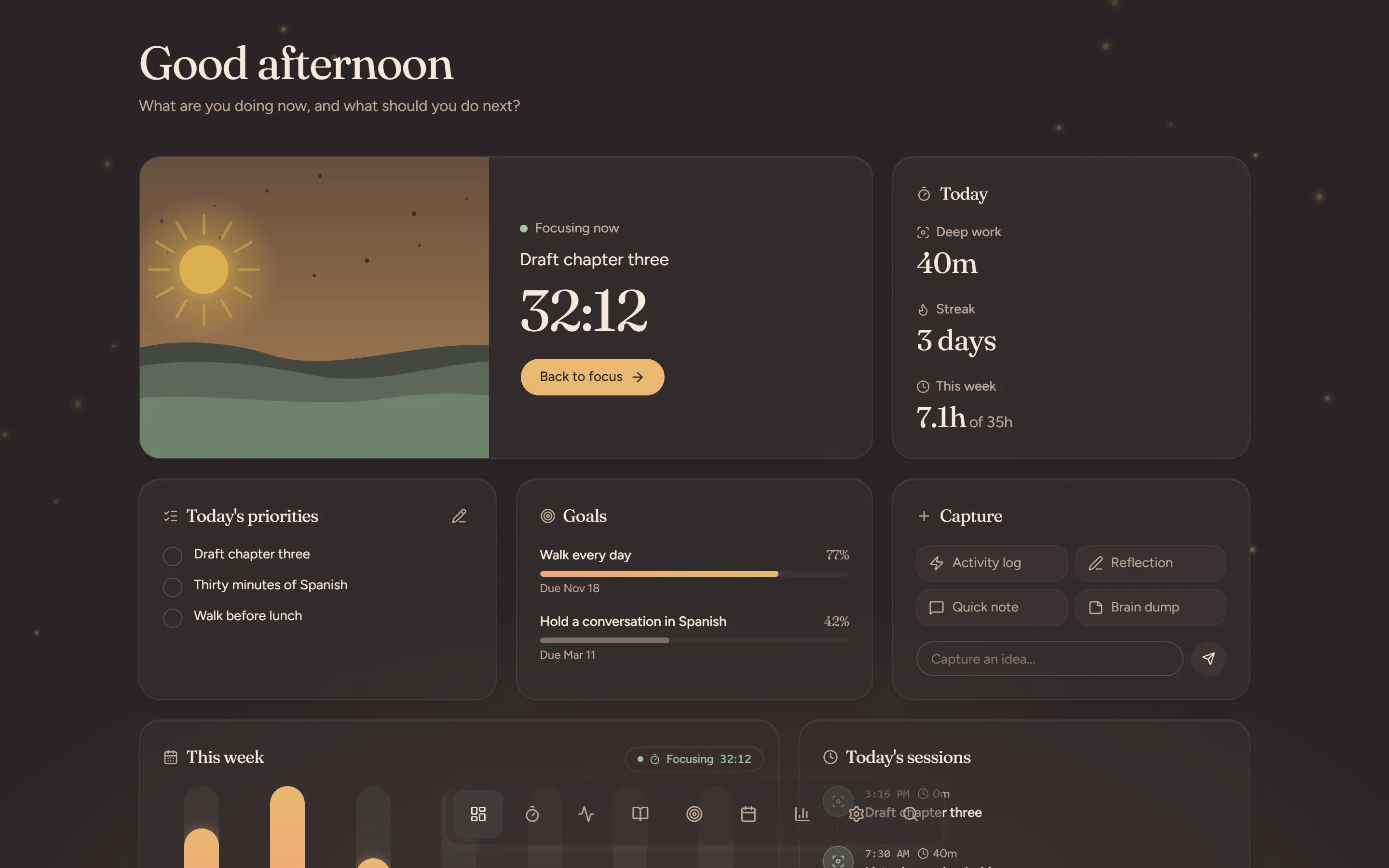
Your personal productivity OS
A calm place for deep work, planning, journaling and review. It follows the light of your day, from first plan to last look back.
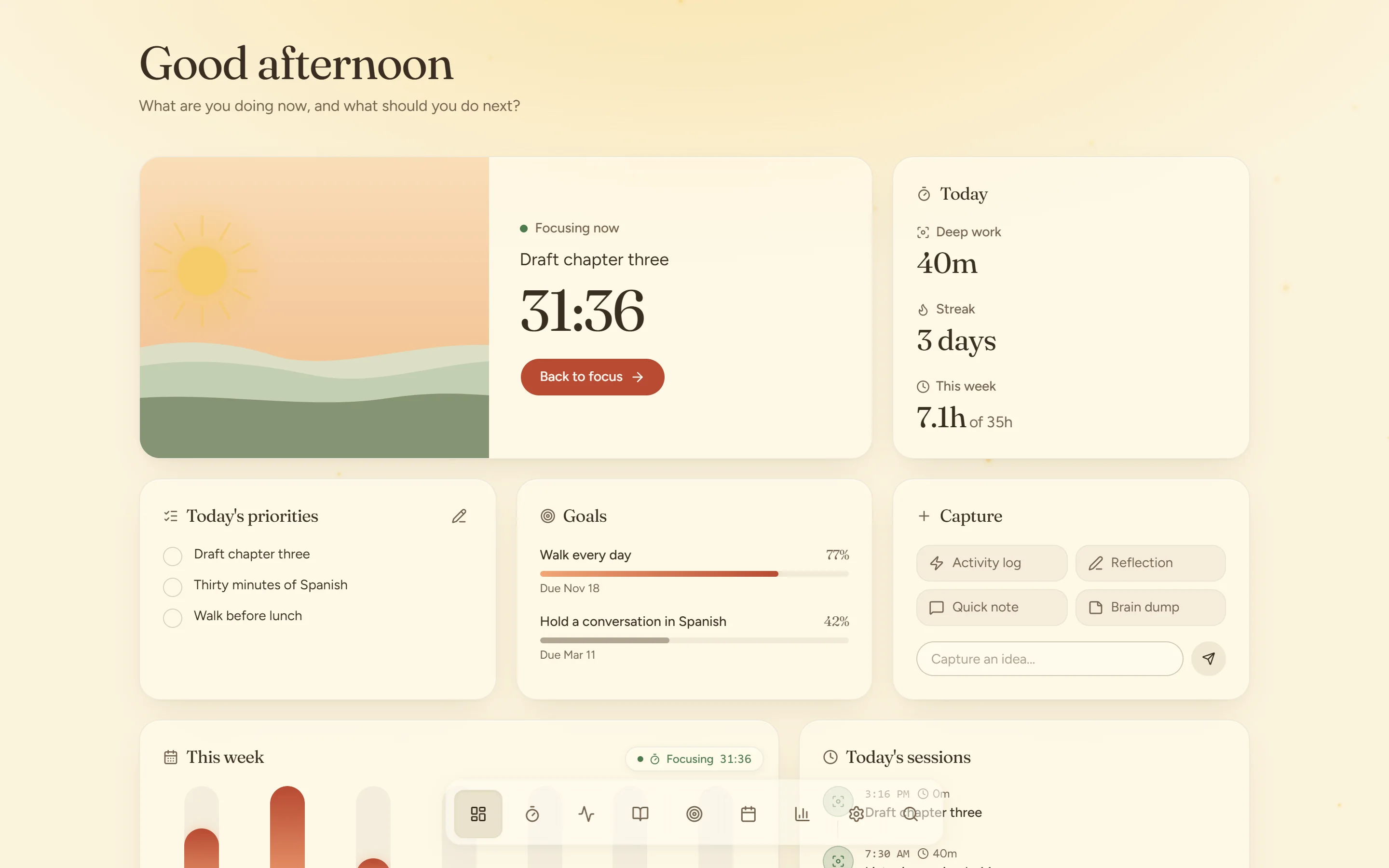
Every screen on this page is the real app, running on sample data.
Dawn · Plan
Before the day gets loud, write down what matters: three priorities and the hours you mean to give them. In the evening the same page asks what went well and what to change tomorrow.
How the journal works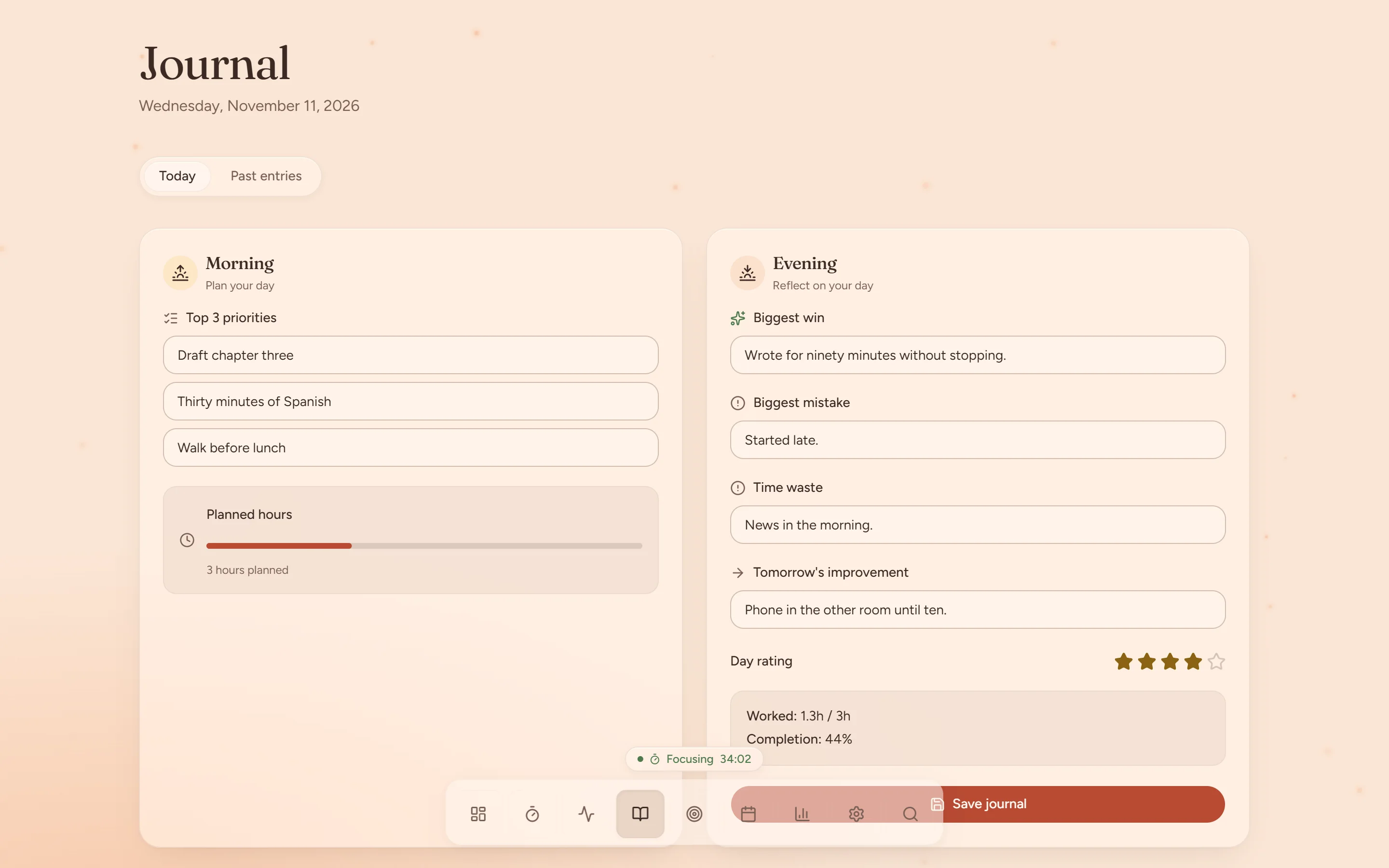
Day · Focus
Pick a scene, name the task and begin. The sun climbs, a candle burns down, a sprout grows a leaf. Pause, take a break or finish when you are done. Every 25 minutes there is a soft glow, never an alarm.
Inside a focus session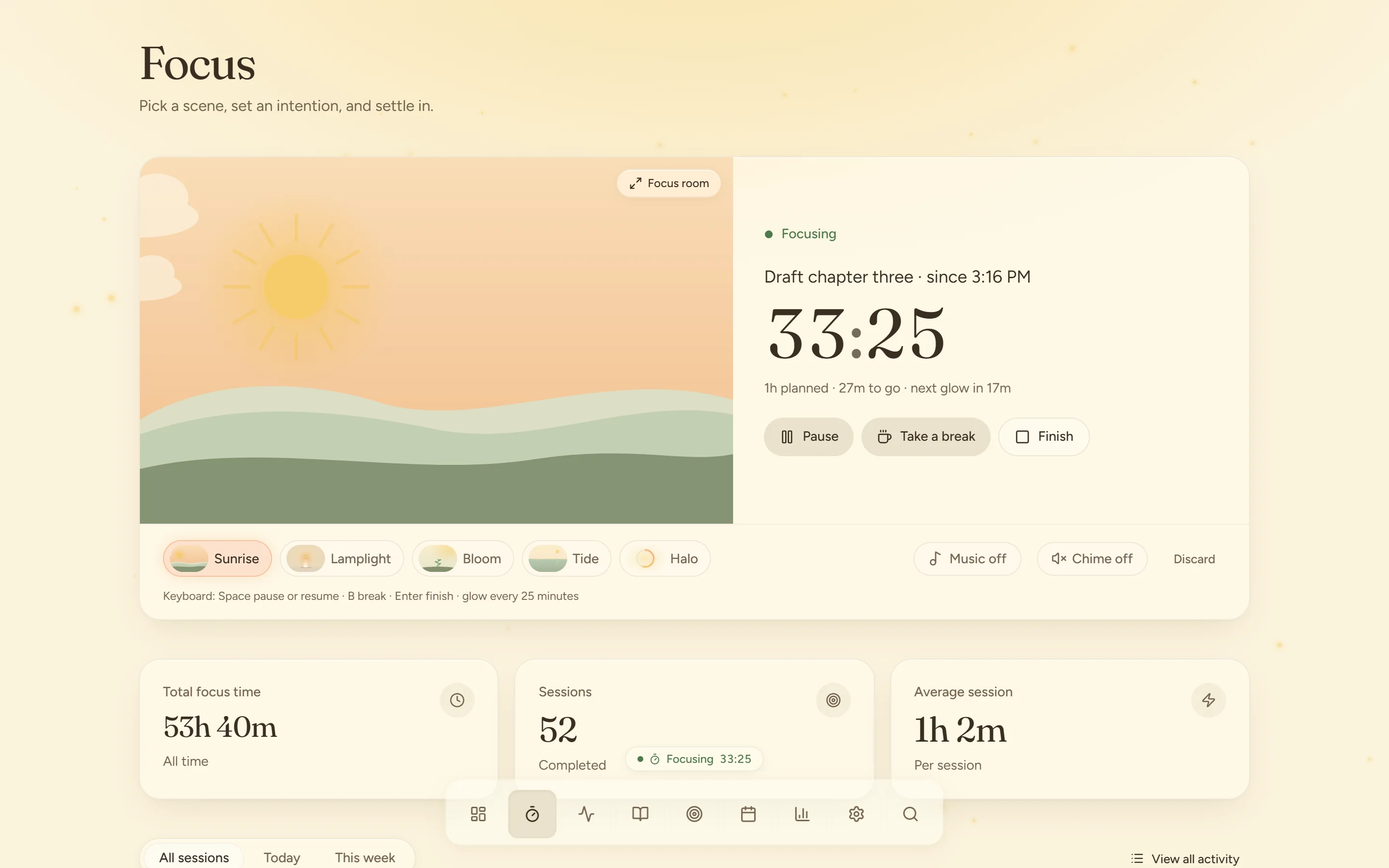
Scroll to let an hour pass
03:00
Sunrise
A sun climbs over the horizon as you focus.
Lamplight
A candle burns slowly down.
Bloom
A sprout grows a leaf every 10 minutes.
Tide
Calm water rises with your progress.
Halo
A quiet ring of light.
Dusk · Review
Hours by day, the work you gave the most time to, and your own words from the journal, on one page. A lower number is only a lower number. Nothing here turns red.
Weekly and monthly reviews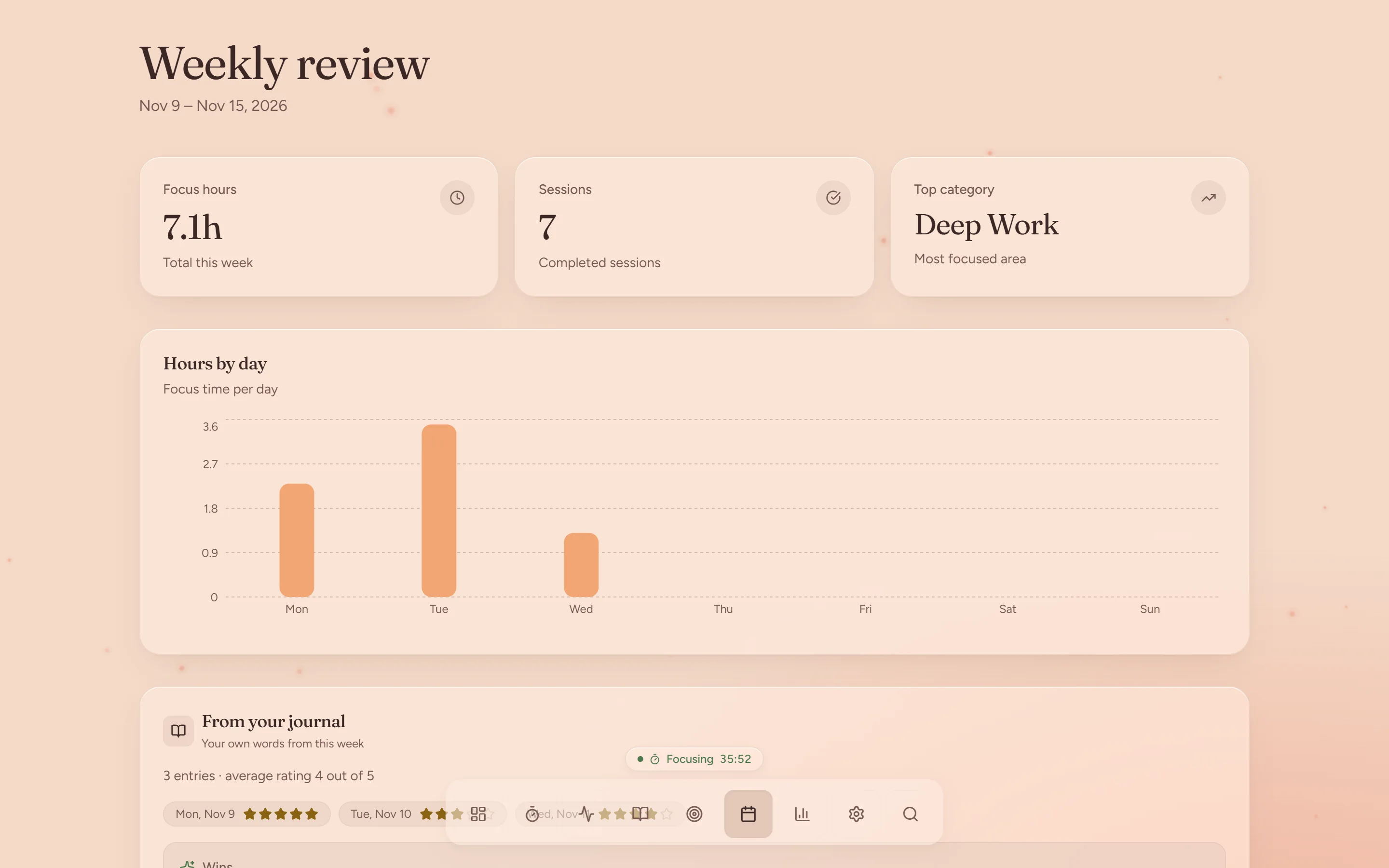
Catch a thought
Log an activity, a reflection, a quick note or a brain dump straight from the dashboard.
Goals with a number
Give a goal a target and a date, then watch the bar fill as you go.
Sound, if you want it
Background music for a session and a soft chime. Both are yours to switch on or off.
Jump anywhere
A command palette searches pages and actions, so the next thing is a few keys away.
Installs like an app
Add Northward to your desktop or home screen from the browser. It opens in its own window.
Your data leaves with you
Export everything you have written as a file from Settings, whenever you like.
Night · Rest
Northward follows your clock. As evening comes the whole app dims to lamplight, so the last screen you look at is easy on your eyes. You can also pin it to light or dark.
The time-of-day theme